 EN
 es
 fr
 pt
 ru
 ar
 de
 ja
 ko
 he
 tr
 nl
 it
 pl
 uk
 sk
 th
 da
 ro
 sv
 lt
 bg
 fi
 hr
 no
 ga
 sl

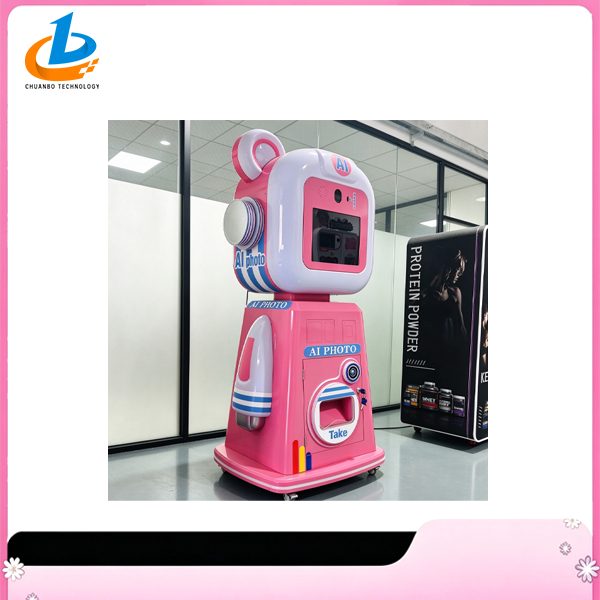
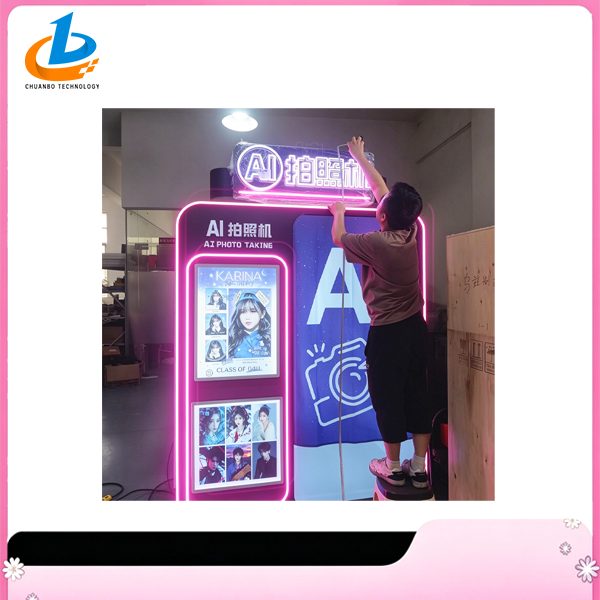
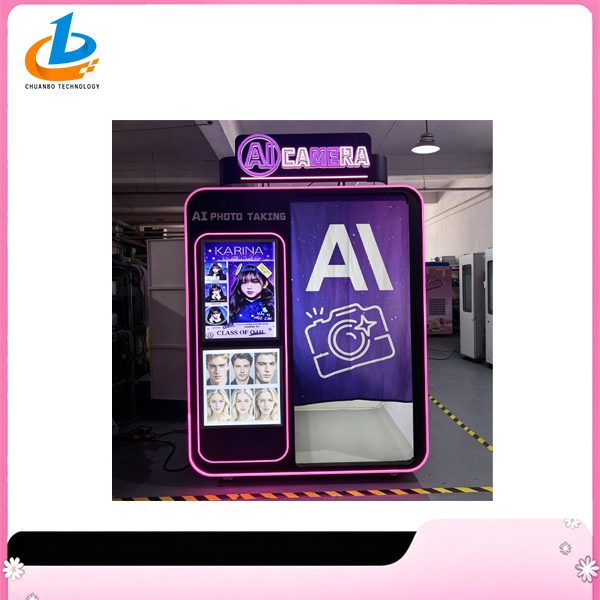
How the Screen Fits into an AI Photo Booth
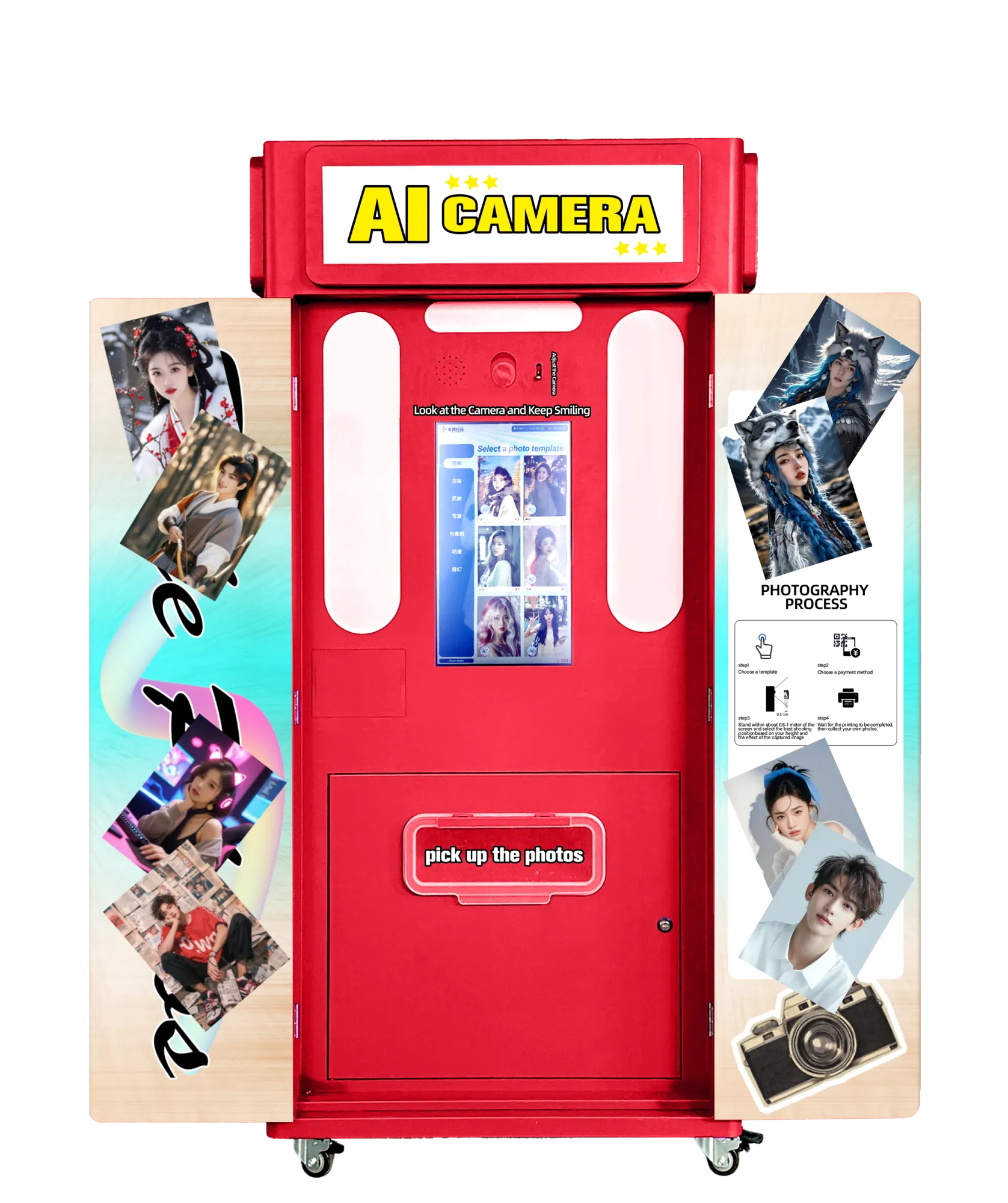
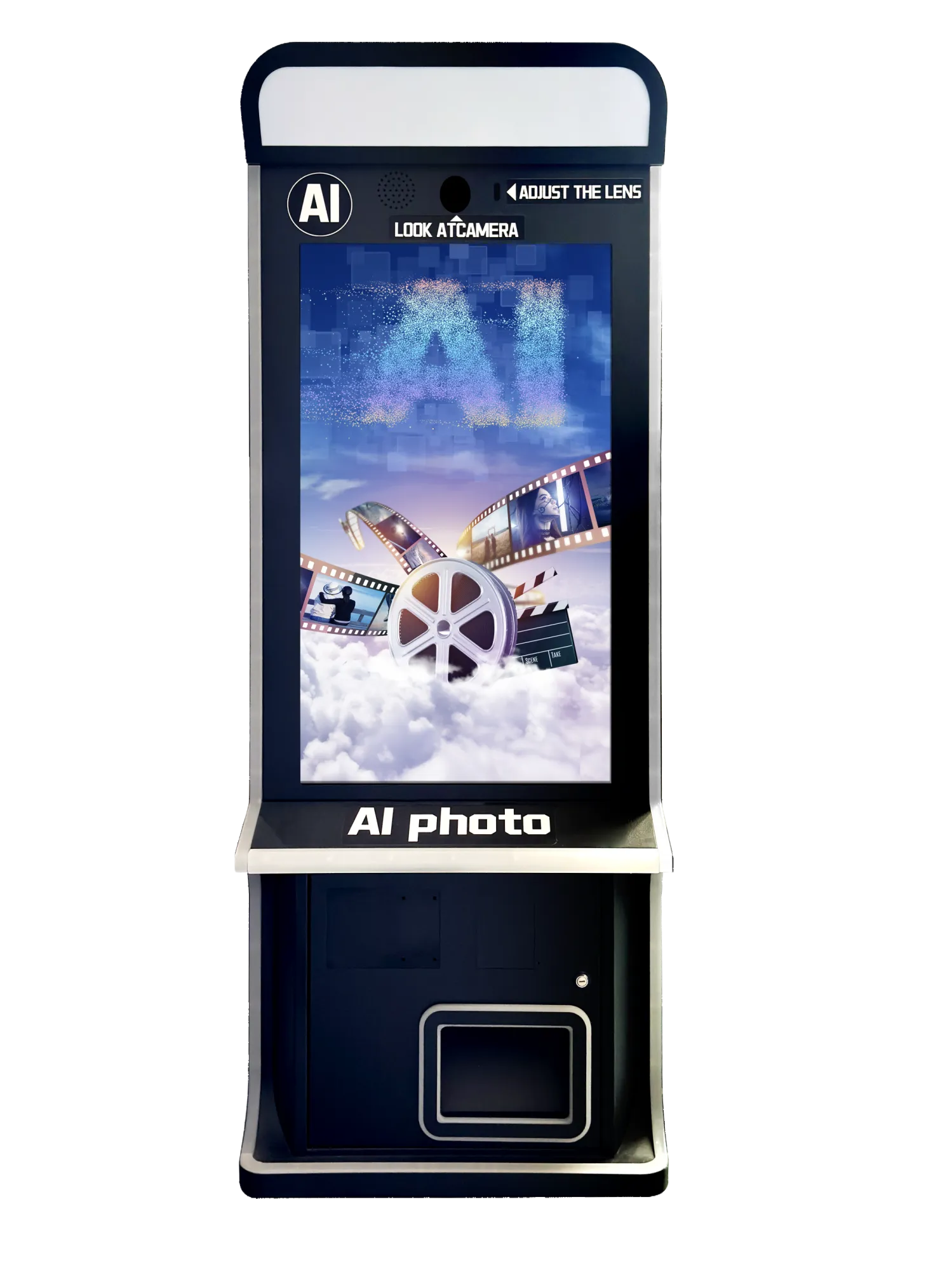
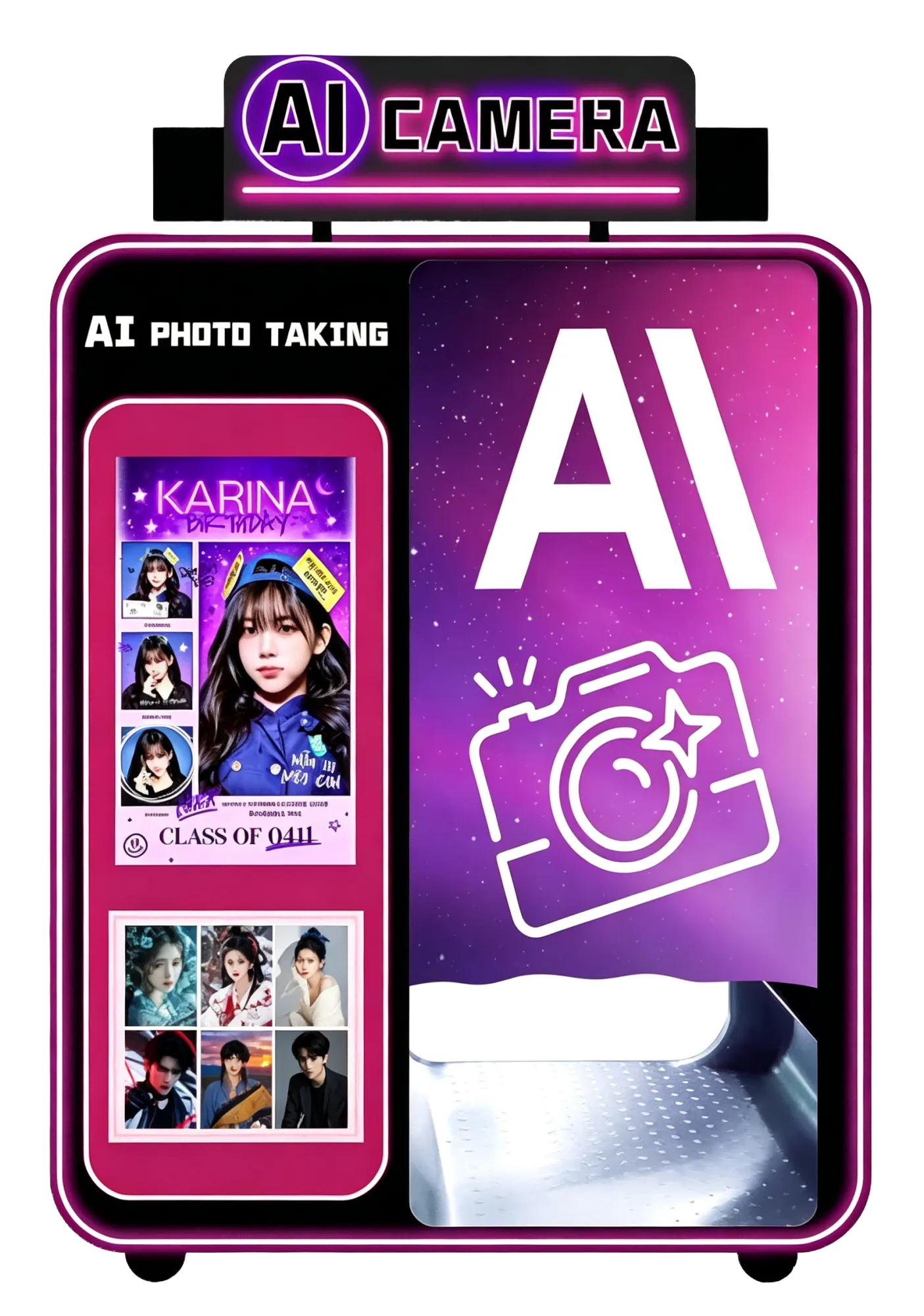
In a typical AI photo booth workflow, the screen presents instructions, shows a camera preview and lets the guest make selections. A camera supplies the source image. Software then handles image processing, which may run on a local computer or through a remote service. The screen is the visible interface, but its presence alone does not establish where AI runs or what transformations are available. It also helps to distinguish a live preview from a generated result. A responsive camera preview does not prove that the finished image will appear immediately; capture, upload, processing and result delivery are separate stages. Touch input is another distinct function and should not be assumed from the word screen. Chuanbo Technology's listed requirement consultation stage provides a point at which to clarify this architecture. No supplied technical document identifies an integrated computer, touchscreen, camera or AI application. Treat these as separate functional elements until a proposed configuration explains their connections and responsibilities. That explanation makes the product understandable without attributing unverified capabilities to a particular model.